---
tags: DECT, VOIP, Ascom, Gigaset
---
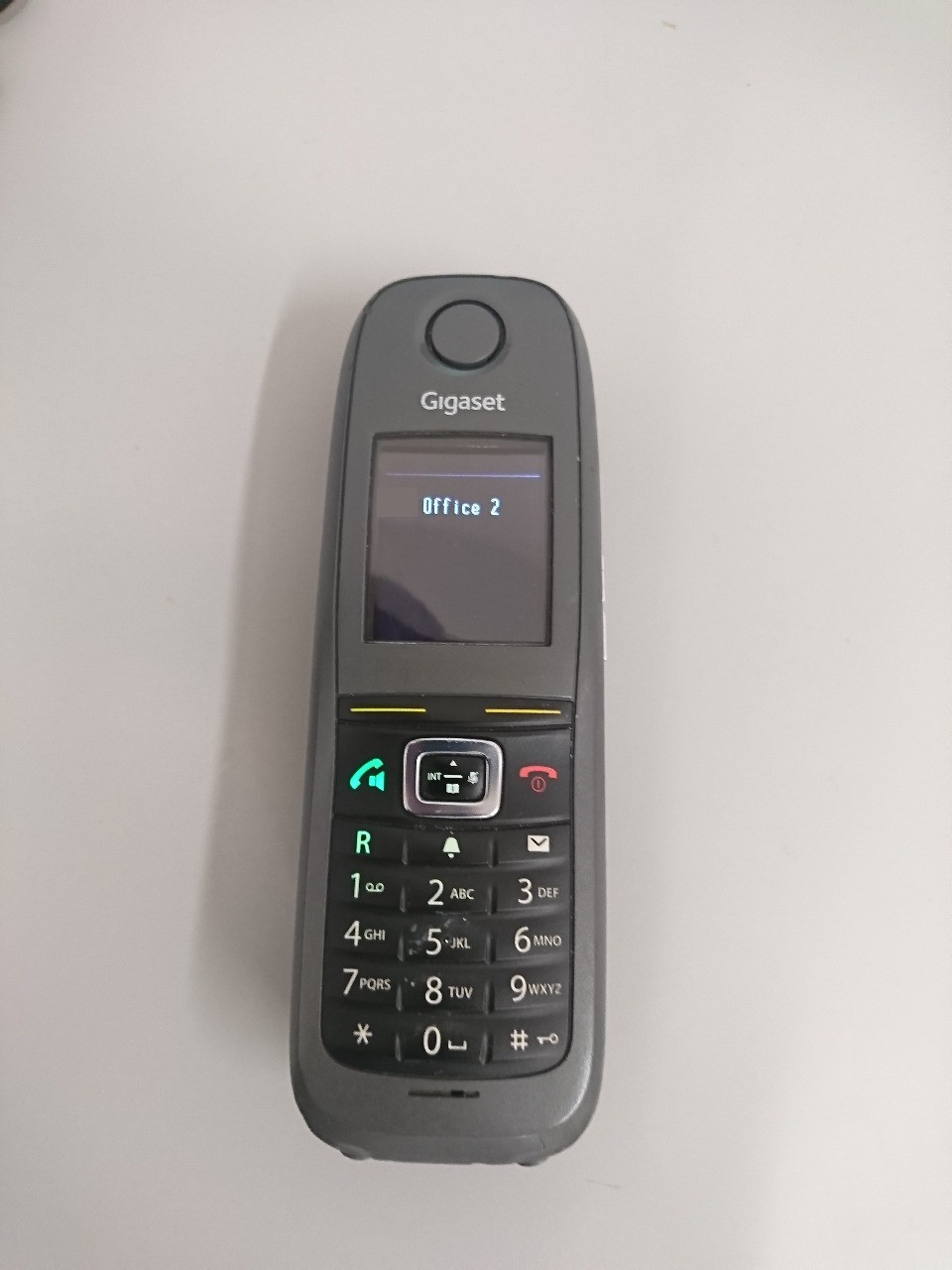
Register Gigaset R630 Pro handset to Ascom IP-DECT base
===
I managed this a few days ago as I already have the R630 Pro "roaming" between gigaset base stations at my home and one work site, but there is an Ascom IP-DECT at our biggest work site.
:::warning
NB: don't try this unless you have permission to do so, experience with setting up VOIP phone systems and full knowledge of what extensions are in use), or you could cause problems to others (such as deregistering an in use handset!) and get in trouble.
:::
:::info
This also assumes you already have a working IP-DECT gateway and spare extension capacity (such as unallocated/mislaid handset),a user/extension already provisioned to the IP-PABX, and the IP-DECT is set for Subscription with system AC *(authentication code)*
:::
1. Access the IP-DECT gateway admin page. Select ==DECT== menu and note down what the system AC is (usually some 4 digit number-)
2. Register the Gigaset to the base from the phone menu, after a while you will be prompted for a PIN. (unlike other DECT systems you don't have to trigger registration mode from the base unit)
3. Enter the *authentication code*. If it is correct the handset will register, but if you try to dial any phone numbers you will get "not allowed" or similar message in the systems language.
4. Go back to the admin page, click on ==Users== under the "Administration" menu. At the top of the screen where the PARK numbers are, there is a menu setting next to users titled ==Anonymous==. Click on this, you should see a number listed.
5. ==This is the IPEI number of the Gigaset==, take note of it (maybe paste it into notepad), then click on the ==Delete/Unsubscribe== link (or the next stage won't work). [The handset may unregister itself at this point]
6. Click on the ==Users== menu at the top so the PARK/PARK3 numbers appear. below these there is a ==show users== link, click on that and all your provisioned extension numbers appear.
7. Click on the blue extension number you want to register the Gigaset to. When the edit screen appears, ==paste the IPEI number from earlier into the space provided== (leave everything else alone). Click on ==Apply==.
8. If you are prompted to register the handset again, do this and enter the authentication code as the PIN.
9. Click on the ==show users== menu on the IP DECT admin page again. Look at the entry for the extension you registered.
:::success
if the **IP address of the PBX** appears in the "Registration" column then everything is correct, your handset is now registered and you should be able to make and receive calls (with correct caller ID)
:::
(apologies, this picture is way too big but I'm not sure how to make it smaller)